Creative Developer & Designer
I'm Fulllion, a web tinkerer, software fiddler, and game dev enthusiast. I thrive at the intersection of design and technology, transforming complex problems into elegant solutions with a systems-curious mindset.
My Skills
A collection of technologies and tools I use to bring ideas to life. Categorized by domain expertise.
Frontend Development
My Projects
Here are some of the projects I'm proud of. Each one represents a unique challenge and a learning opportunity.

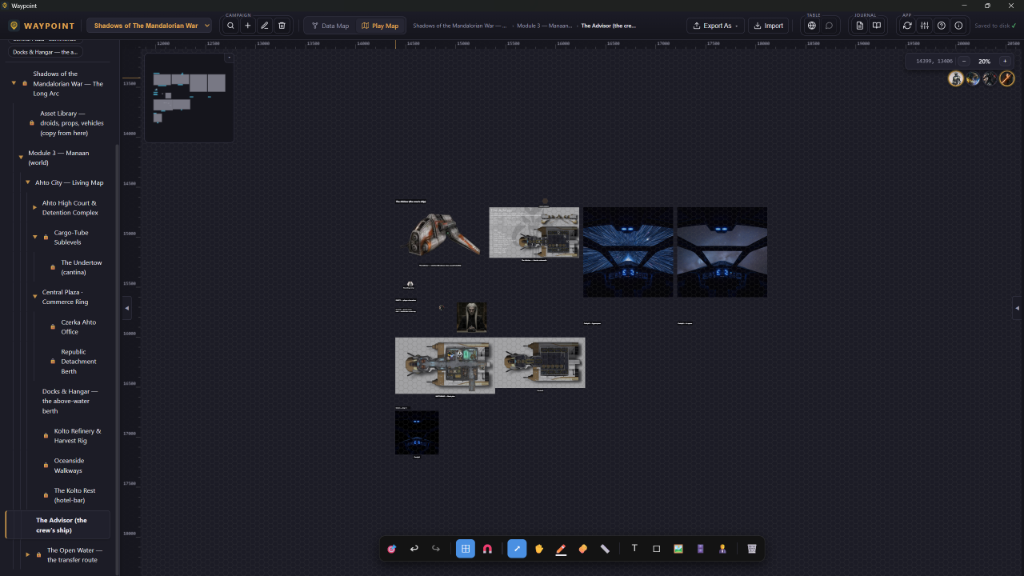
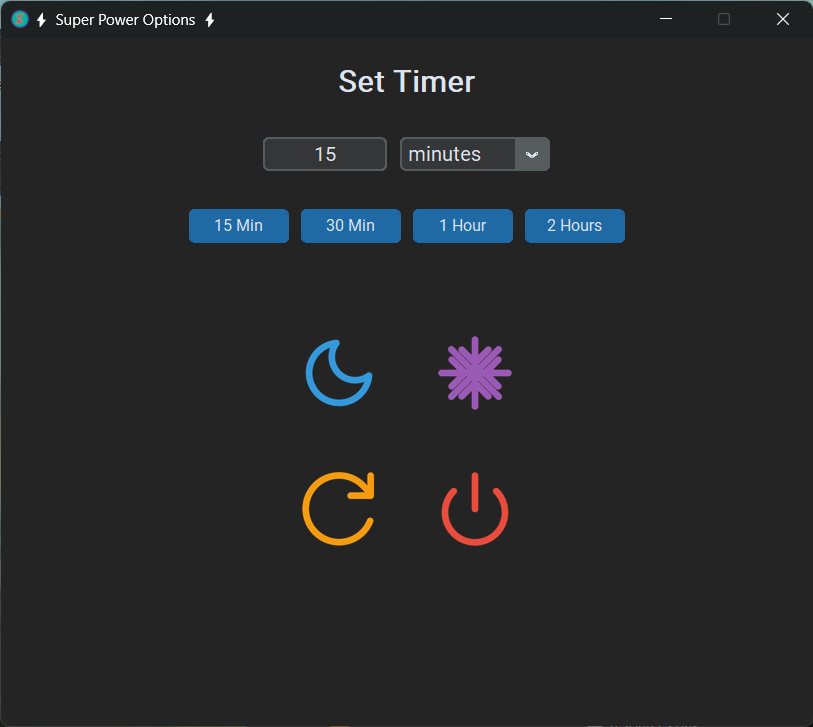

Technical Writing & Guides
In addition to writing code, I enjoy documenting my processes and sharing knowledge. Here are a few technical guides and articles I've written.
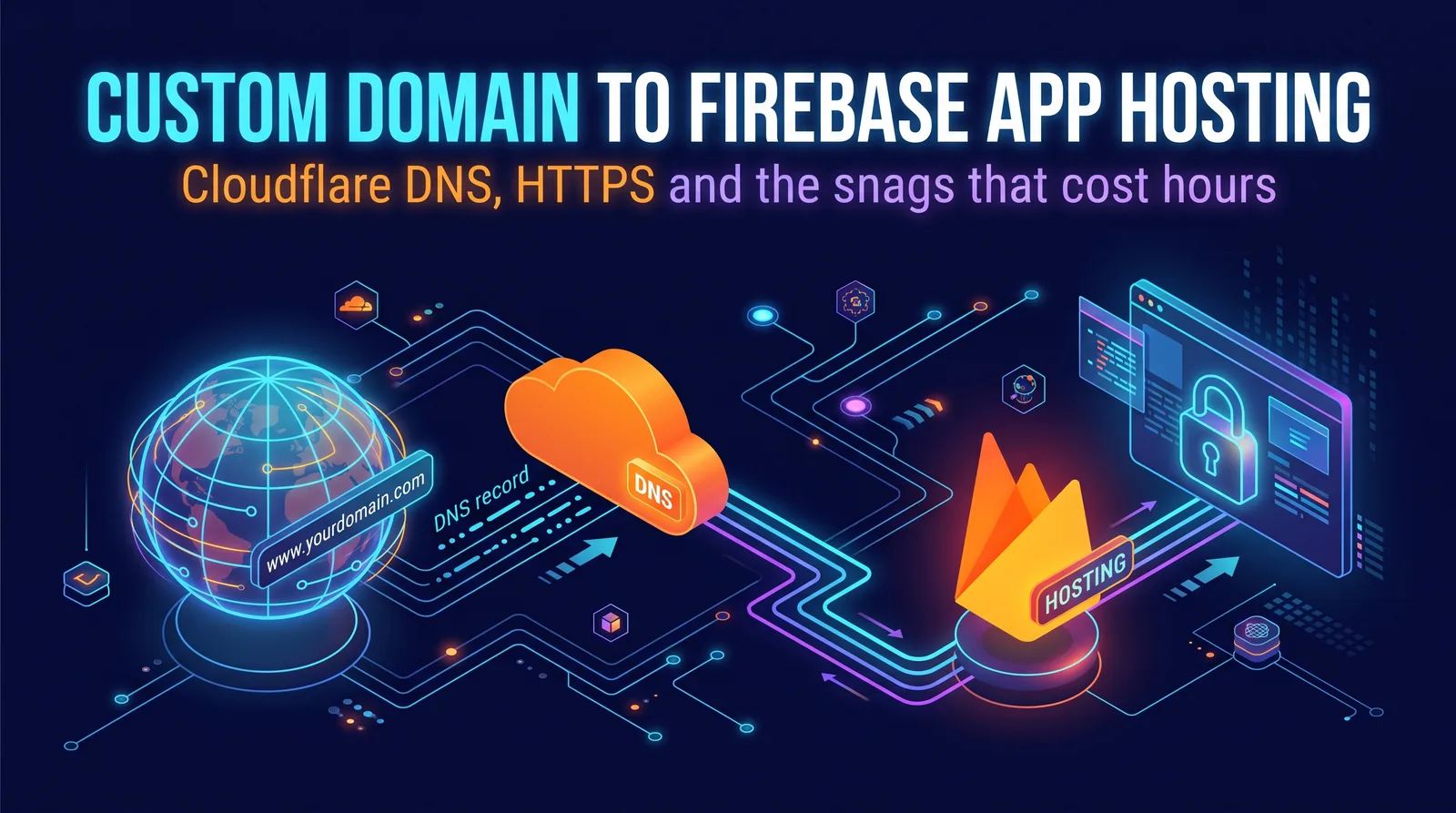
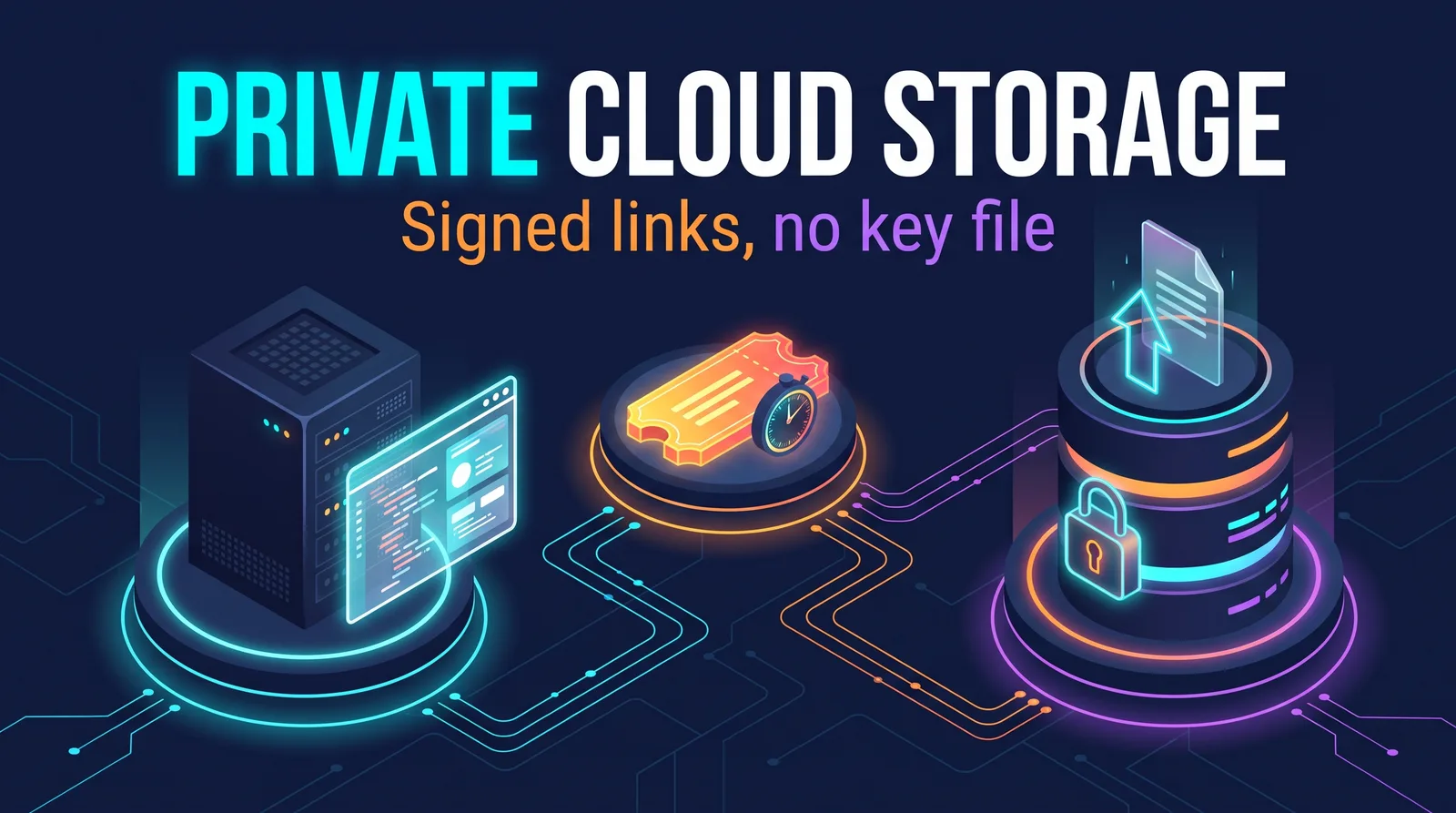
Featured

Learn to Code
Learn Web Development: Start Here
The first stop in a set of free web development guides. Explains how a web app works in plain terms, the front-end, back-end and full-stack paths and how to pick one, five steps from your first line of code to your first job, free curricula compared, and a beginner's toolkit.
Learn Front-End Web Development
A learning path for the part of the web that runs in the browser, in order: HTML, CSS, a CSS framework, JavaScript, then Node.js, Vite, TypeScript, React, Next.js, Vue and Angular. Also covers what beginners often skip: accessibility, responsive design, developer tools and web performance, with free resources and project ideas.
Learn Back-End Web Development
A plain-language route into the server side of the web: Python, Java, SQL, Flask or Django, and Git, with Node.js and Express as an alternative. Covers HTTP, REST APIs and JSON, databases, sign-in, web security, secrets, testing and deployment.
Full-Stack Web Development and Stacks
What building both ends of a web app involves, and how to choose a stack. Compares MEAN and MERN, the T3 stack, Next.js on its own, and Firebase and Supabase as of 2026, then covers Core Web Vitals, caching and capstone project ideas.
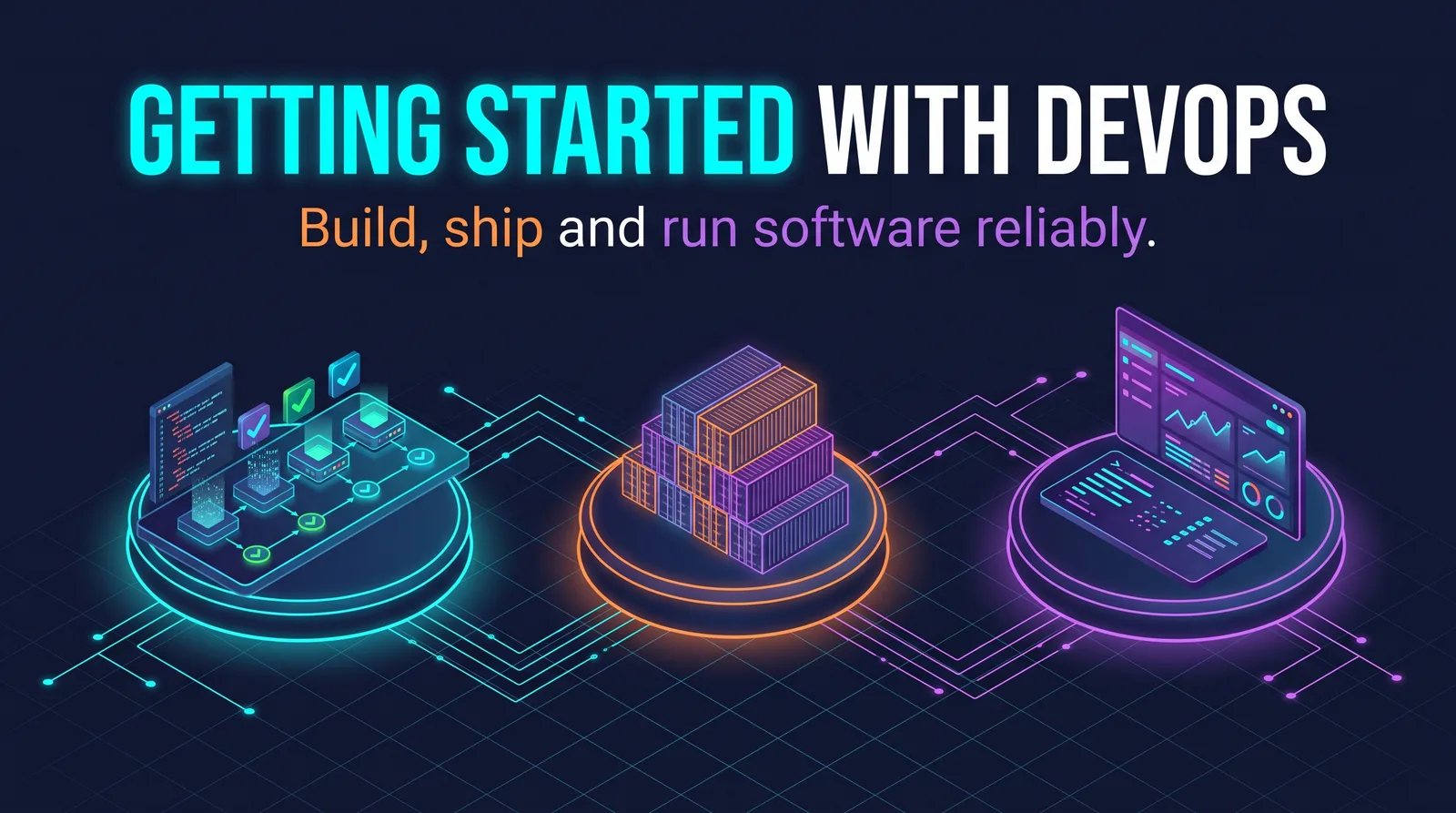
Getting Started with DevOps
A map of the skills behind building, shipping and running software reliably, and how DevOps differs from SRE. Starts with Linux, Git, networking and scripting, then CI/CD with GitHub Actions, Docker and an introduction to Kubernetes, each with a small example to run, plus Terraform and OpenTofu, and monitoring.
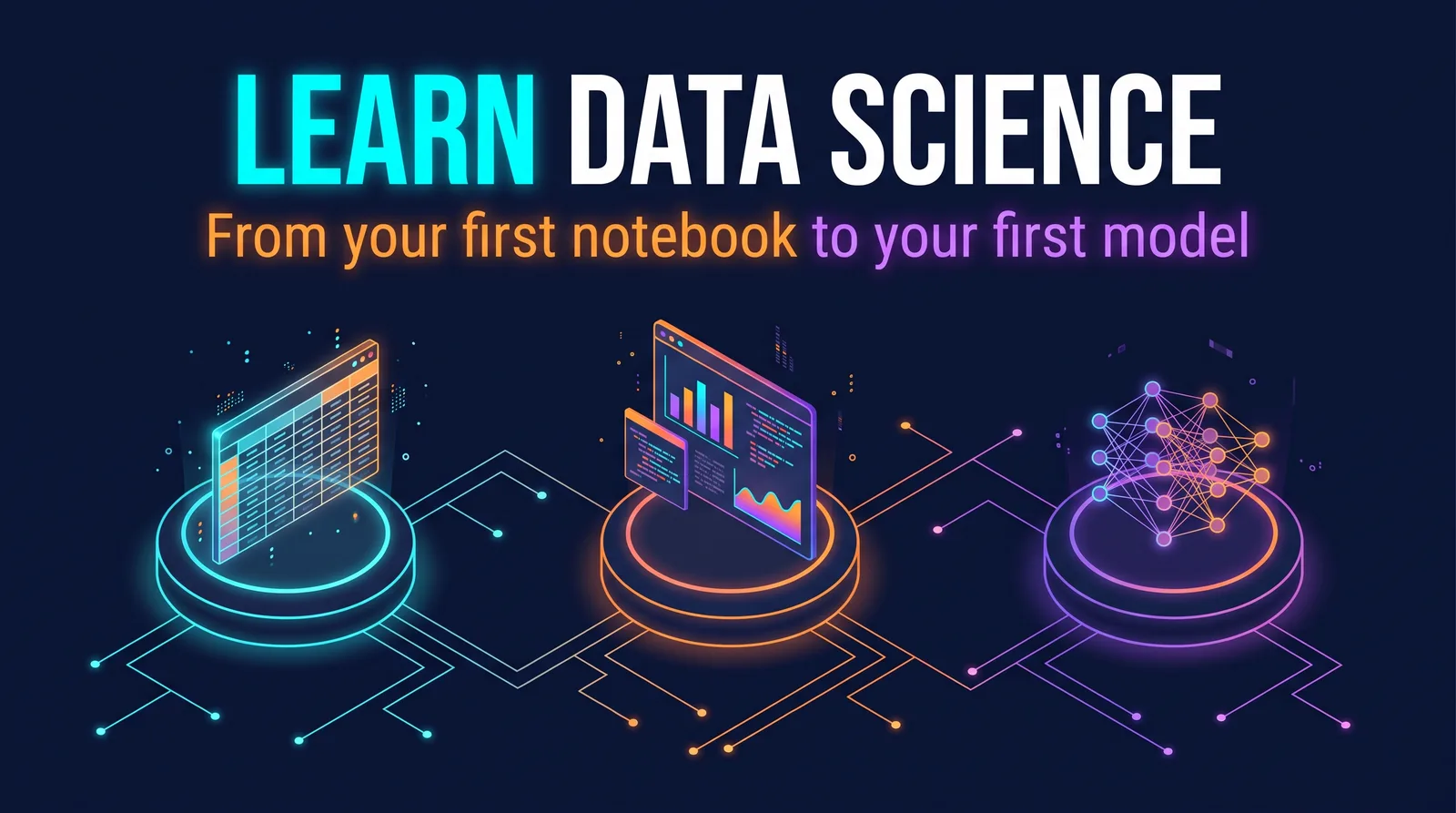
Learn Data Science
A plain-language route into working with data, in order: Python, SQL, statistics, then NumPy, pandas, Jupyter and matplotlib, then machine learning basics. Includes a first notebook and a first model you can run, how analysts, data scientists and machine learning engineers differ, free courses, datasets and project ideas.
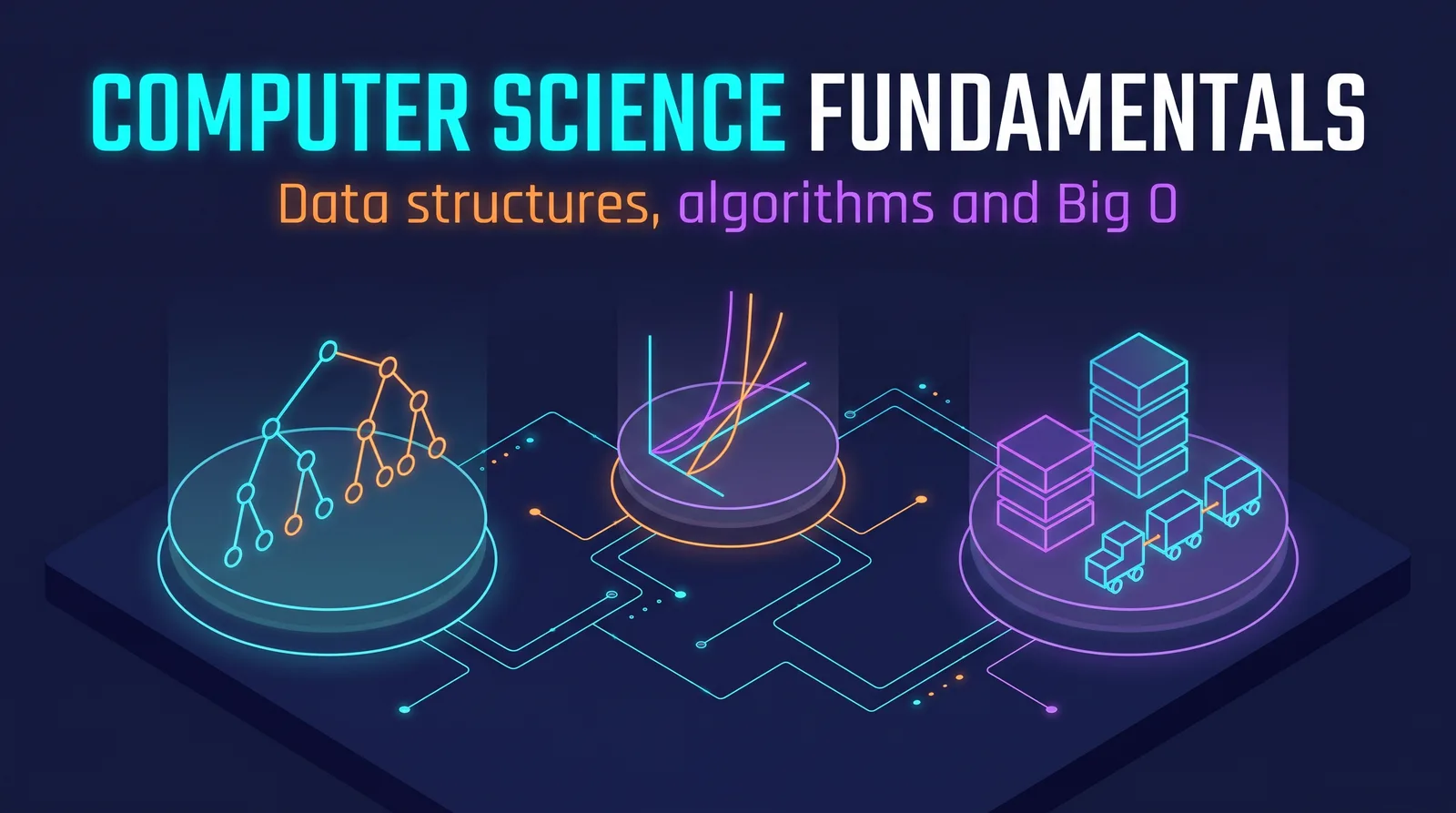
Computer Science Fundamentals
The computer science working developers actually use, with lectures and videos for each topic: data structures and algorithms with JavaScript and Python equivalents, Big O, recursion, the math that matters, design patterns and where to go next. Led by Harvard's CS50 and NeetCode's roadmap.
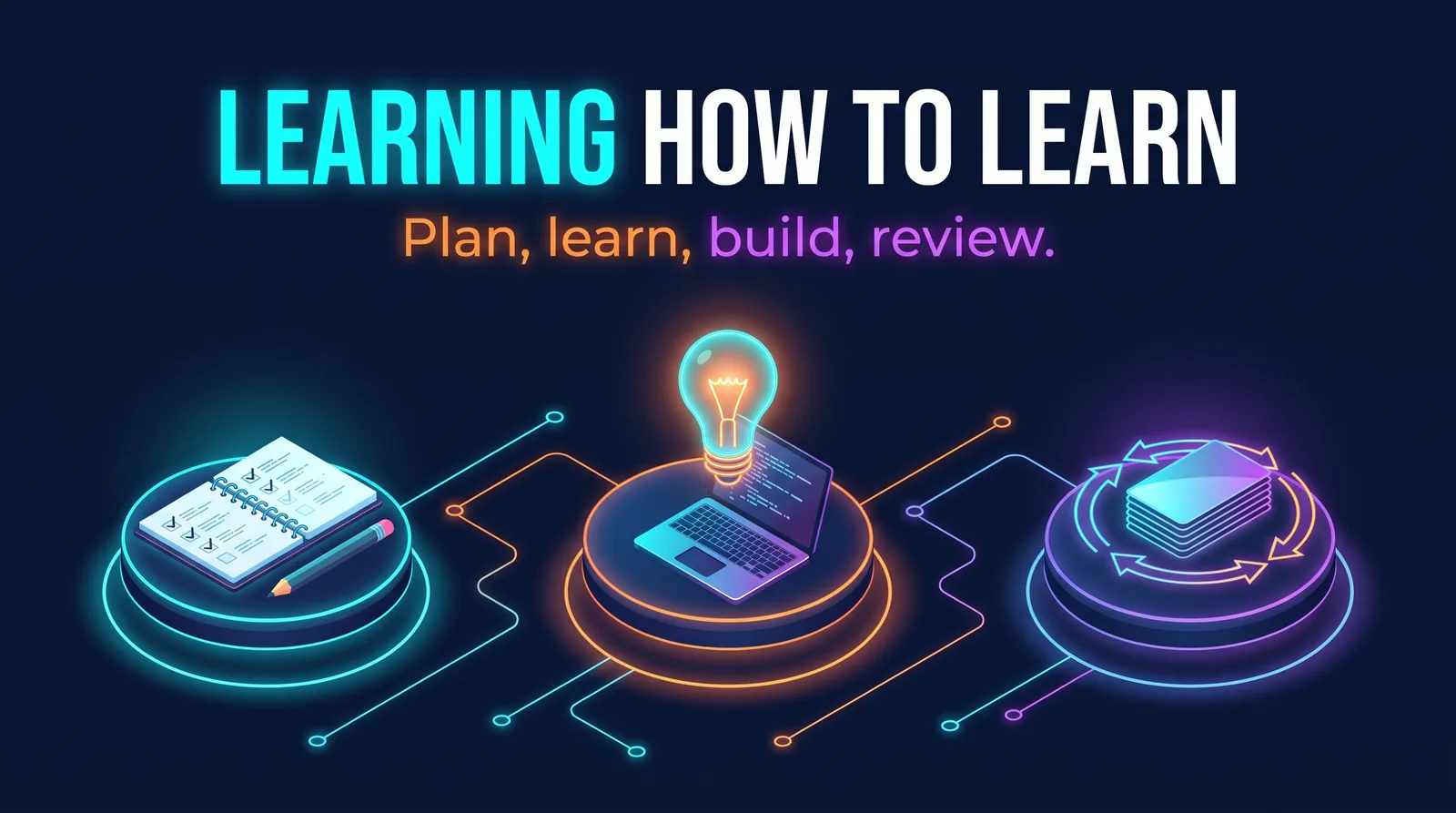
Learning How to Learn Programming
One practical method for studying code: plan, learn, build, review. Covers research-backed techniques like active recall, spacing and interleaving, the Feynman technique, getting out of tutorial hell by building things, notes, motivation, wellbeing and books.
Learn Game Development
A starting point for making your first games: Harvard's CS50 game course and freeCodeCamp tutorials, an engine comparison of Godot, GameMaker, Unity, Unreal, Pygame and building from scratch with licensing and pricing, then art and free assets, performance, game jams and publishing.
Careers & Community
Coding Practice and Interview Prep
Sharpen your coding skills and get ready for developer interviews: practice sites compared, with what's free in 2026, LeetCode, NeetCode and Cracking the Coding Interview, a study plan, solving problems out loud, and technical and behavioral interview prep.
Web Developer Careers and Freelancing
Turning the basics into paid work: what employers expect from a junior web developer now, projects that show real skill, building a portfolio site and GitHub profile, resumes, job searching, interviews, raises and freelancing basics.
IT Support Careers and Certifications
Starting a career in IT: the path from help desk to desktop support and system administration, the Google IT Support certificate and CompTIA A+ compared, what to take next, free study resources like Professor Messer's video courses, and a homelab practice list.
Open Source and Developer Communities
Learning to code alongside other people: finding a beginner-friendly project and issue, your first contribution step by step from fork to pull request with Git and the GitHub CLI, developer communities, asking good questions, and using AI coding tools responsibly.
Developer Tools
Python and Node Tool Environments on Windows
Set up Python and Node.js on Windows so every tool gets its own tidy space: the Python install manager and the Microsoft Store shortcut that hijacks the python command, a virtual environment per tool, requirements files, npm and Node version managers, and a simple folder layout for personal tools.
Publishing to GitHub with the GitHub CLI
Put a folder on your PC online as a GitHub repository from the terminal, then check that GitHub matches what you pushed. Covers signing in, committing with GitHub's private noreply email, creating a repo with a description and topics in one command, keeping secrets out, releases, line endings and binary files.
Packaging Windows Apps with PyInstaller and Inno Setup
From a Python script or any app folder to files you can hand to other people: PyInstaller builds from a one-line command to a repeatable spec file, bundled data and icons, why antivirus sometimes flags one-file builds, testing on a clean machine, and an Inno Setup installer with signing and troubleshooting.
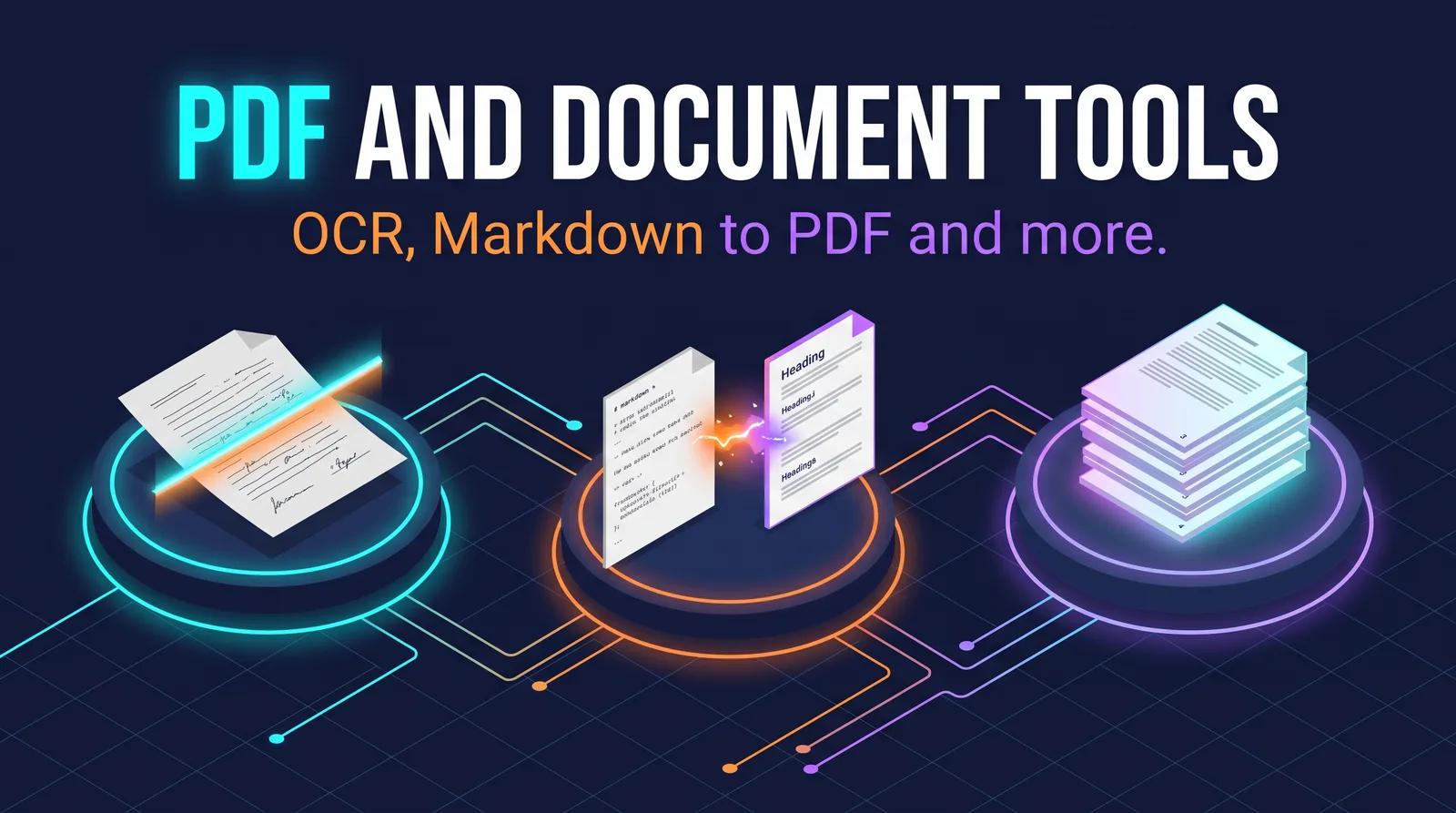
PDF and Document Tools
Everyday document jobs from the command line or a short script, with free tools: reading text from PDFs, making scanned PDFs searchable with OCR, Markdown to PDF with headless Chrome and page numbers, Word to PDF, and working with Word documents in code.
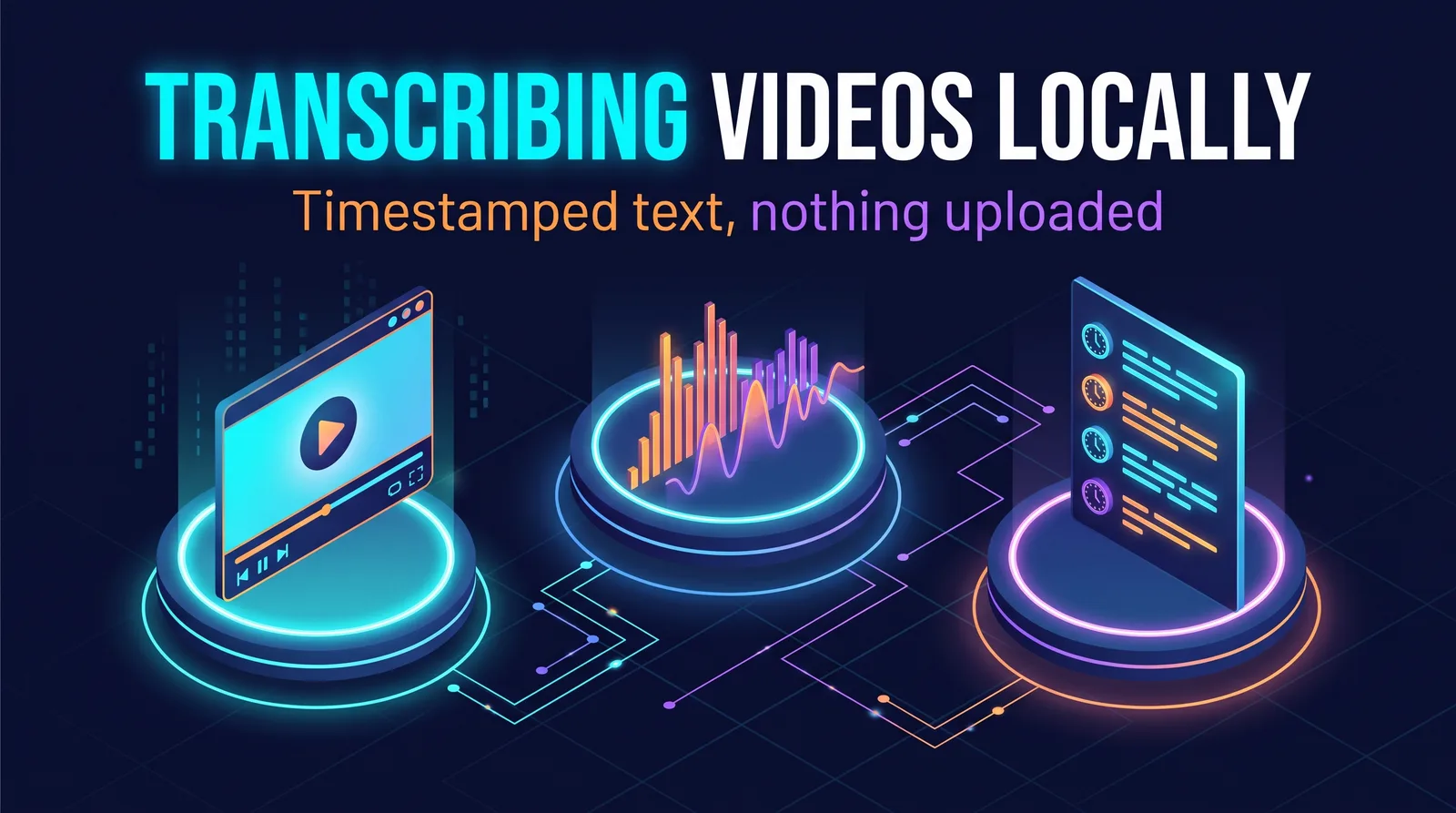
Transcribing Videos with yt-dlp and faster-whisper
Turn videos into timestamped, searchable text on your own PC, with no audio uploaded anywhere: downloading just the audio with yt-dlp, when you need FFmpeg, transcribing with faster-whisper, choosing a model and CPU or GPU, and the privacy and copyright side of it.
Security & Privacy
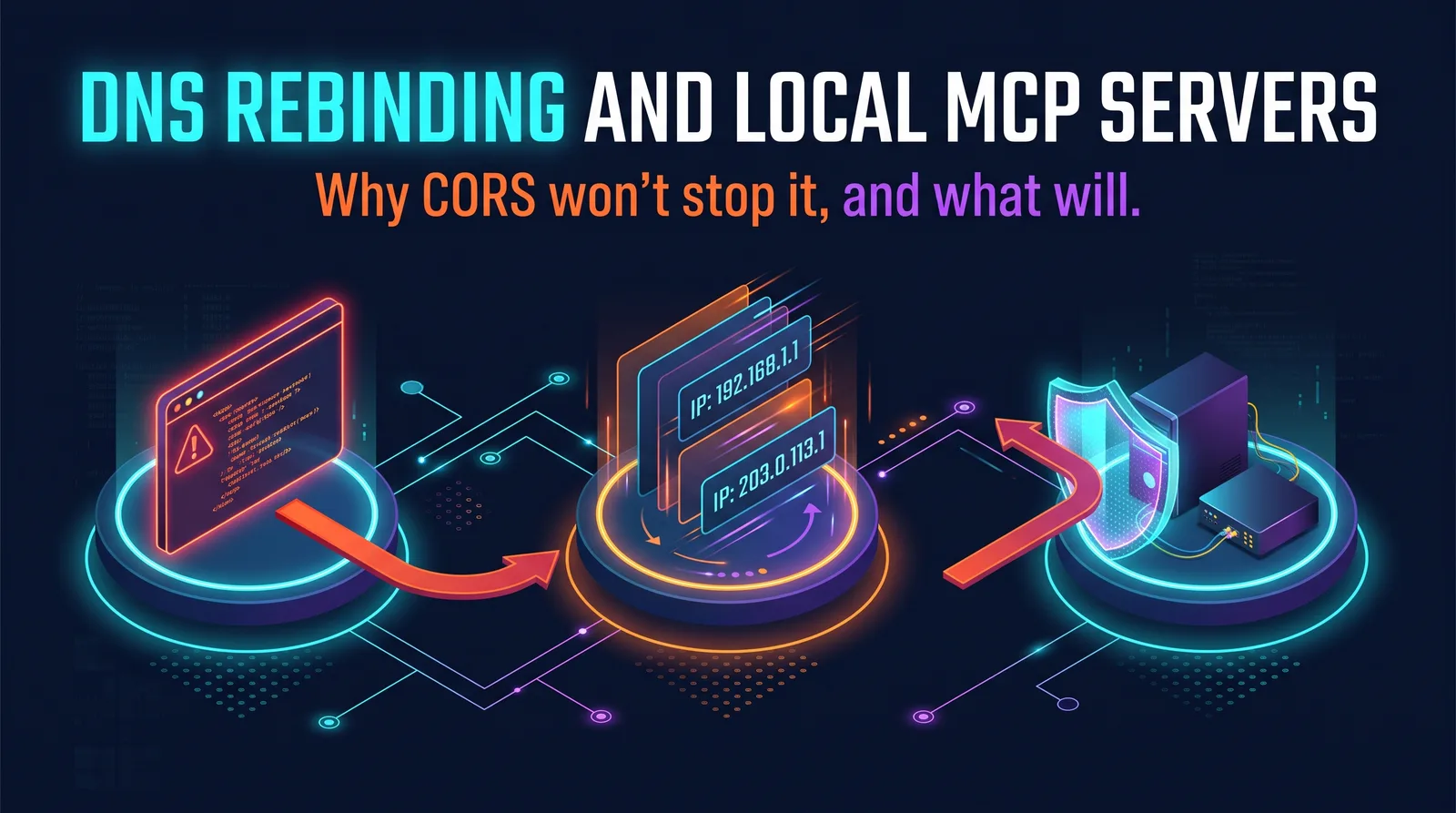
DNS Rebinding and the NVIDIA App MCP Server
A security write-up on how DNS rebinding threatens local MCP servers like the one in the NVIDIA App, why CORS does not stop it, and how Host and Origin header checks do. Separates what is confirmed from what is only reported, and shows how to check your own PC. No testing was done against the app.
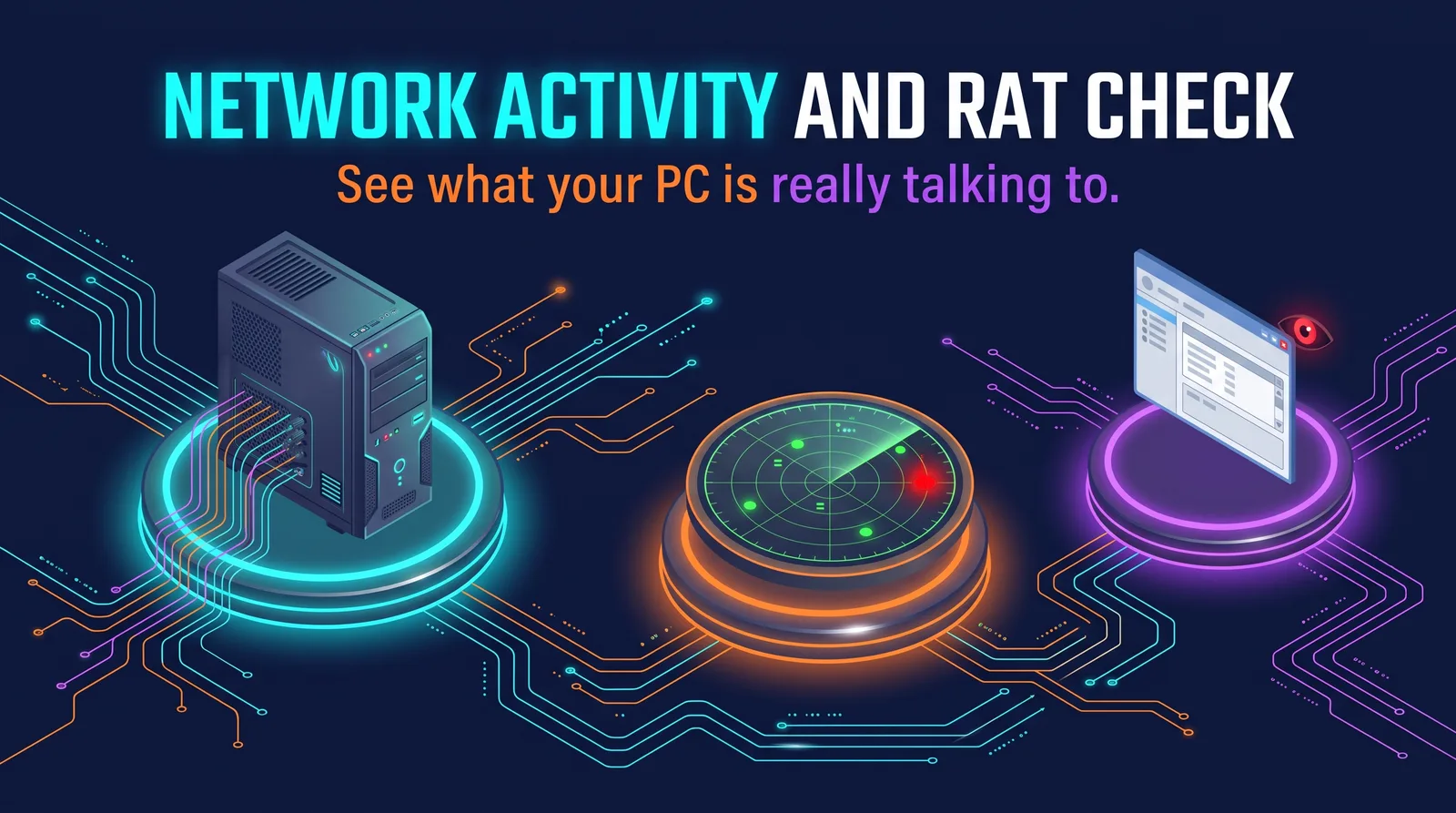
PC Network Activity and RAT Check
See what your Windows PC looks up and connects to, with tools already in Windows plus Microsoft's free TCPView. Explains how remote access trojans hide behind normal Windows programs, how to look up an address you don't recognize, and how to make script attacks harder.
Windows Malware Removal
Clean malware off a Windows PC: what to do first, Microsoft's free scanners and the Tron script in the right order, when it's better to reinstall, and securing your accounts afterward. Adds the steps a popular video leaves out, like backing up first and what Tron changes on your PC.
Safer Package Installs with npm and pip
How a poisoned package can reach your PC and the habits that make it much less likely: install scripts, typosquatting, lockfiles, pinned versions and hashes, waiting before using new releases, and auditing, for both npm and pip. Includes a case study of the self-spreading Shai-Hulud worms and what to do if something slips through.
iPhone Messages and AI Privacy
What Siri, Apple Intelligence and the ChatGPT extension can see of your messages, and the iCloud backup setting that matters most. Covers Advanced Data Protection and how iPhone and Android messages compare, all from Apple's own documentation.
Gemini and Your Android Messages
What Google's Gemini can and can't do with your Phone, Messages and WhatsApp, why turning off Gemini Apps Activity doesn't stop it, the settings that actually control it, and which of your conversations are end-to-end encrypted.
3D & Making
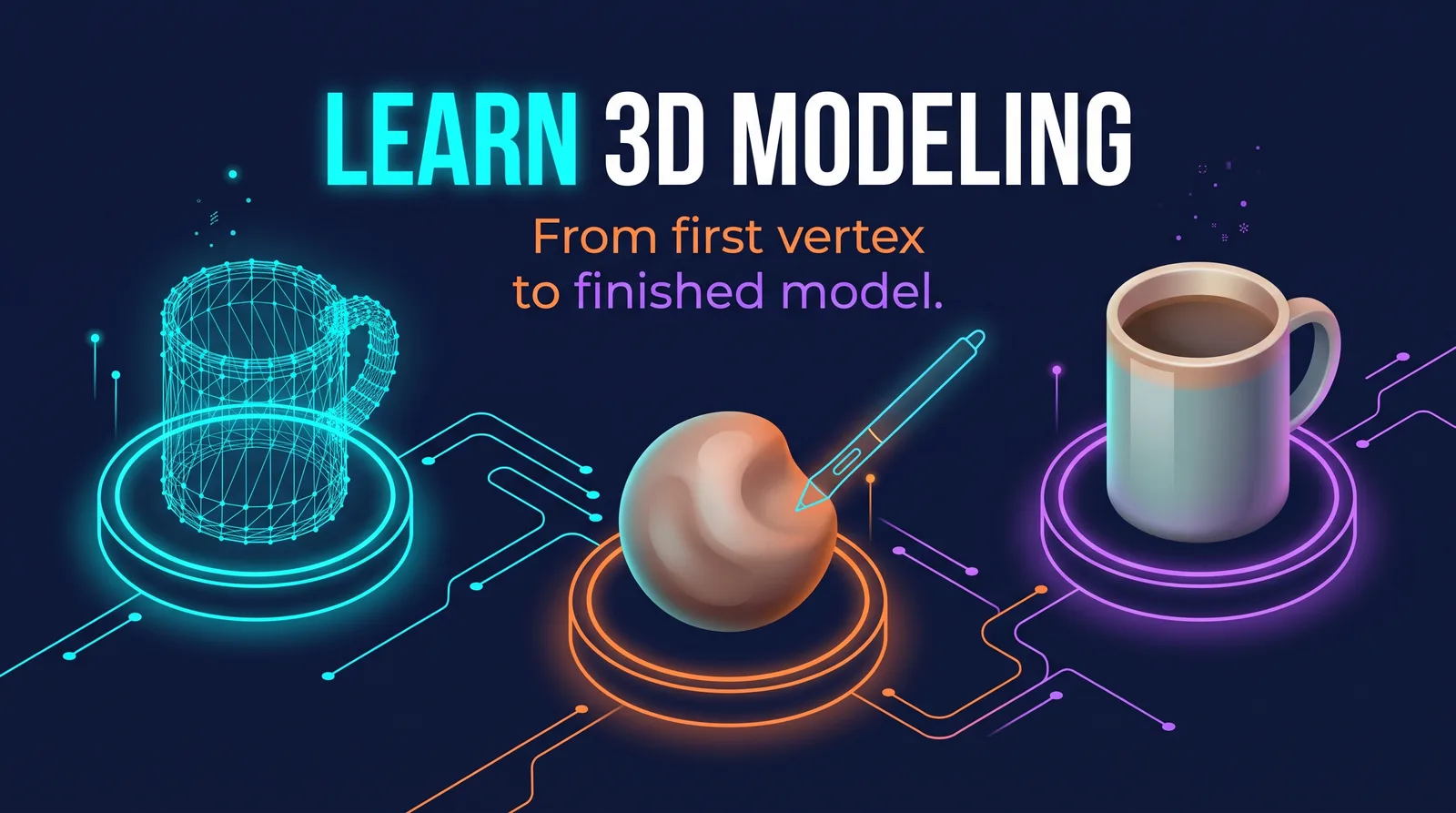
Learn 3D Modeling
From what a vertex is to building, texturing, animating and exporting your own models in Blender, which is free. Compares the main ways of modeling and the software options, then walks through a first hour modeling a mug, the fundamentals, sculpting, rigging, rendering, and exporting for games and 3D printing.
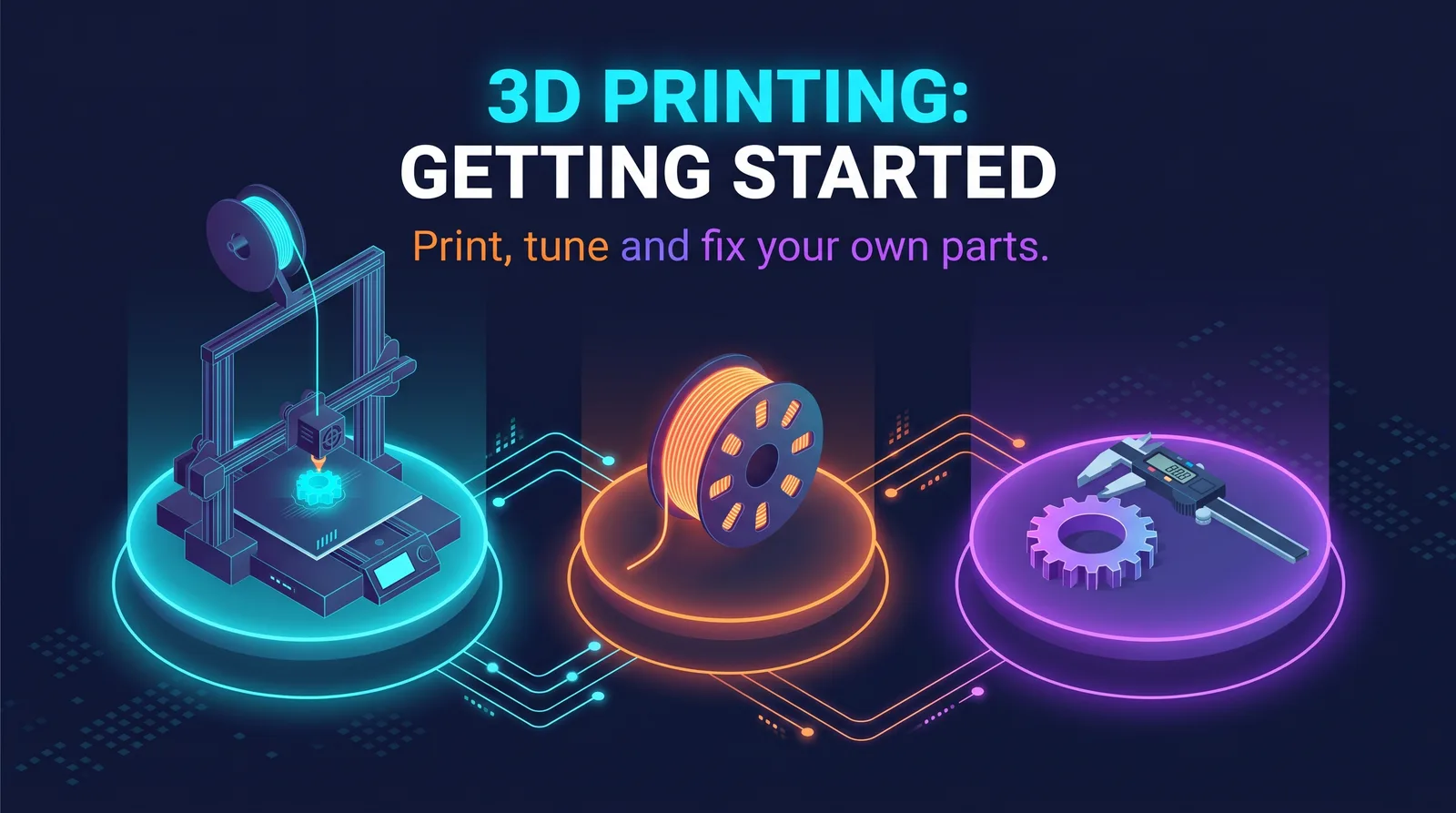
3D Printing: Getting Started
From what a 3D printer is to printing, tuning and fixing your own parts: how FDM and resin printers work, what to look for in a first printer, safety with fumes, heat and resin, filaments and drying them, slicers, calibration, finding and designing models, and troubleshooting.
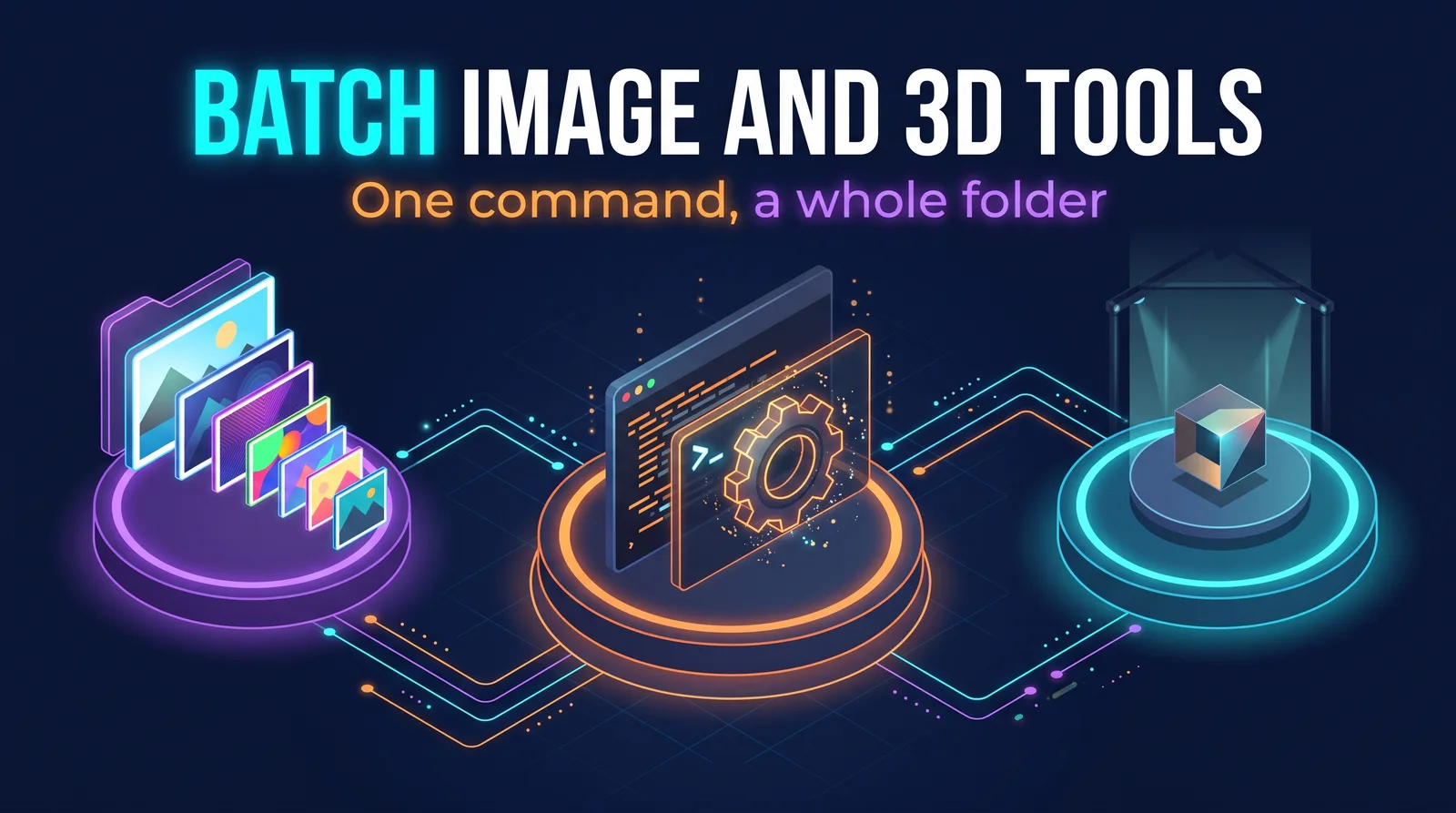
Batch Image and 3D Tools: GIMP, Blender and Pillow
Run Pillow, GIMP and Blender from scripts so one command can process a whole folder: resizing, converting, Windows icons and game textures with Pillow, GIMP 3 with Python-Fu and no window, and Blender for batch renders and add-ons. Always on copies, never your originals.
Install & Set Up
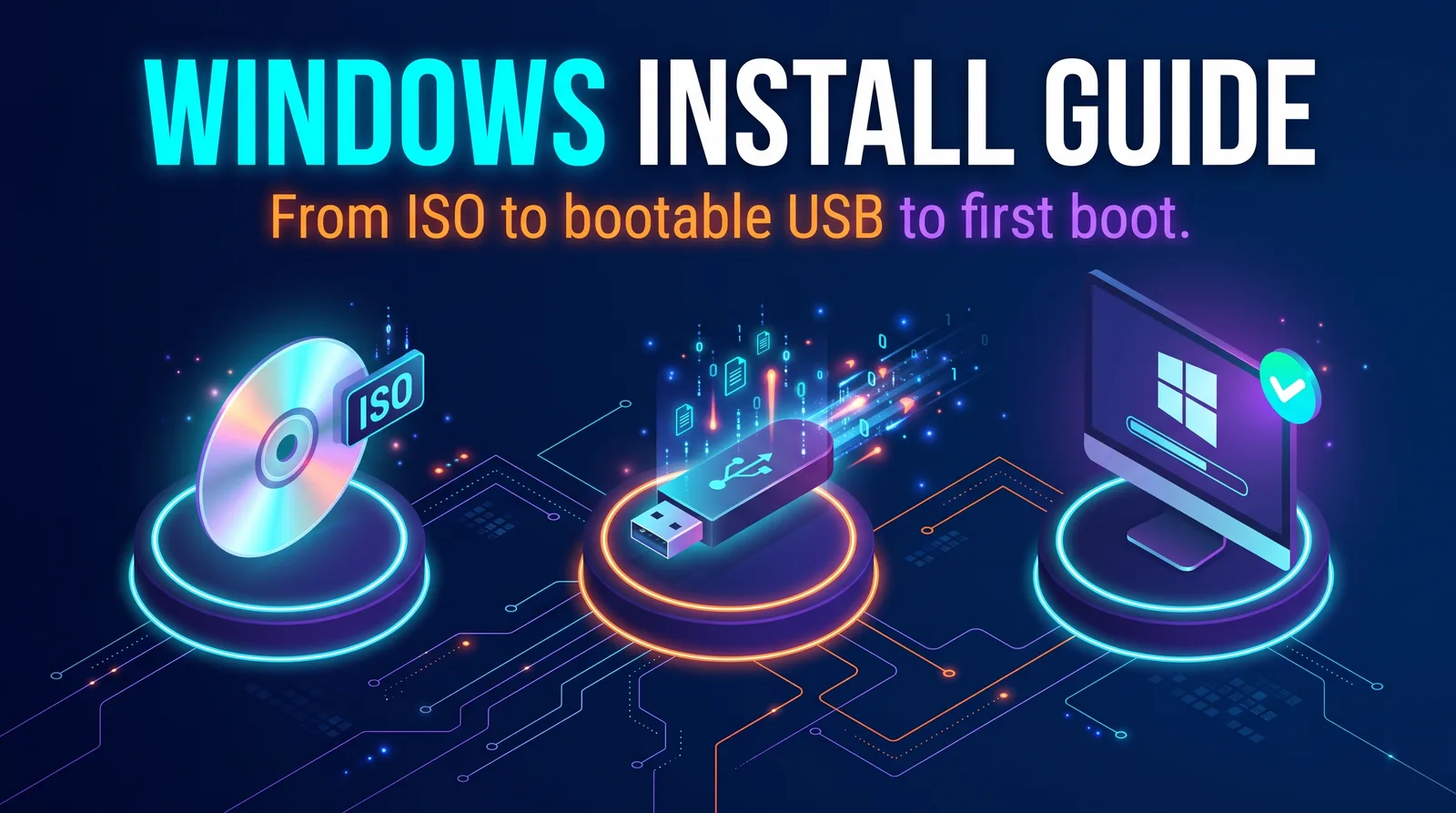
Windows Install Guide
Install Windows 10 or 11 from an ISO using a bootable USB drive made with Rufus, balenaEtcher, or the Media Creation Tool. Starts with checking which version your PC can run, then goes from download to first boot.

Windows 11 Local User Administration
Set up Windows 11 with a local account instead of a Microsoft account, using a command during setup with no network connection. Includes a warning for newer Windows 11 versions, where this workaround may no longer work, and what to try with an older ISO.
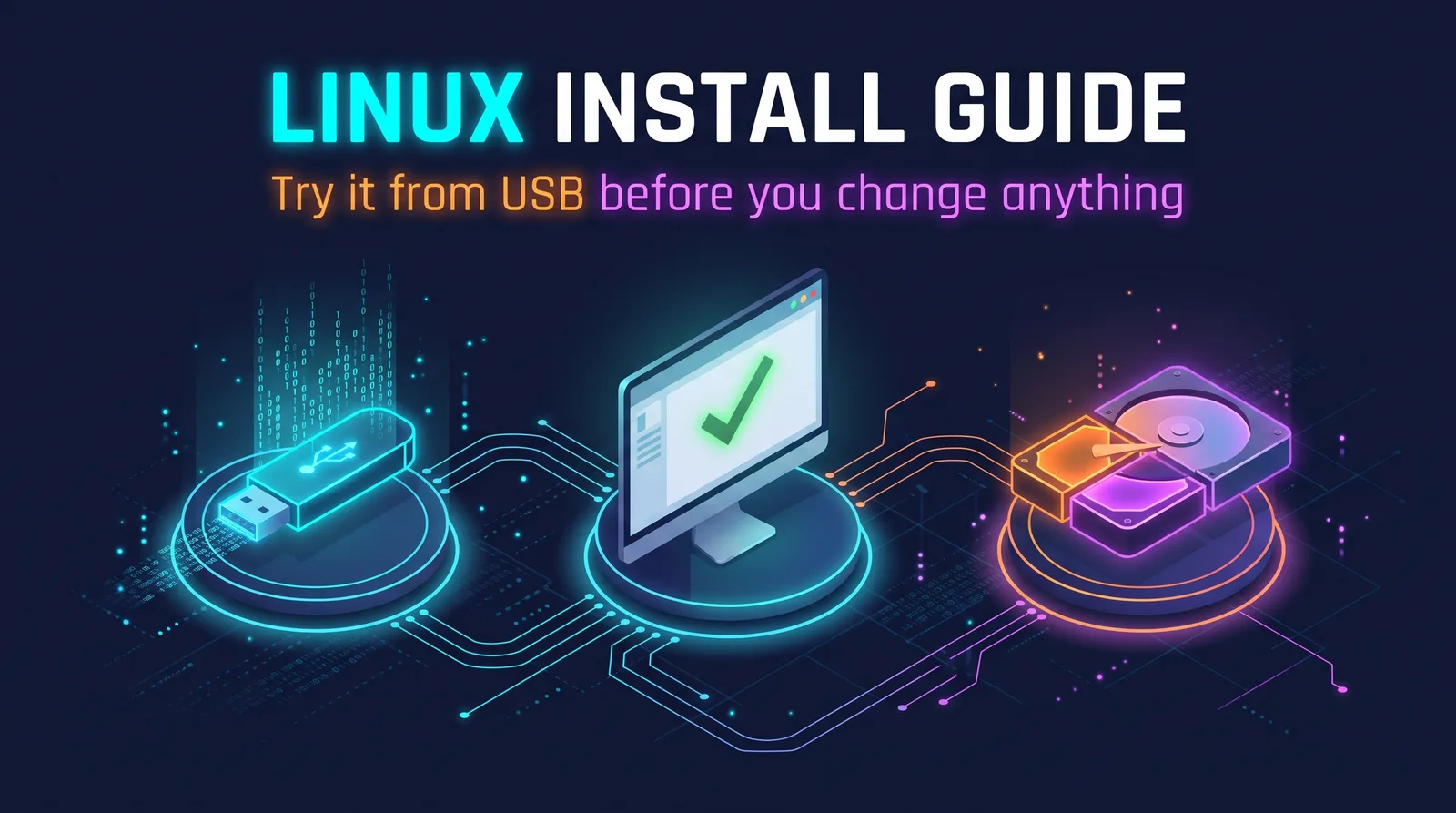
Linux Install Guide
Move a PC to Linux Mint, Zorin OS, or Ubuntu, with step-by-step balenaEtcher and Rufus walkthroughs. Test everything from a USB drive before you change anything, then replace Windows or install alongside it. A good fit for PCs that cannot run Windows 11.
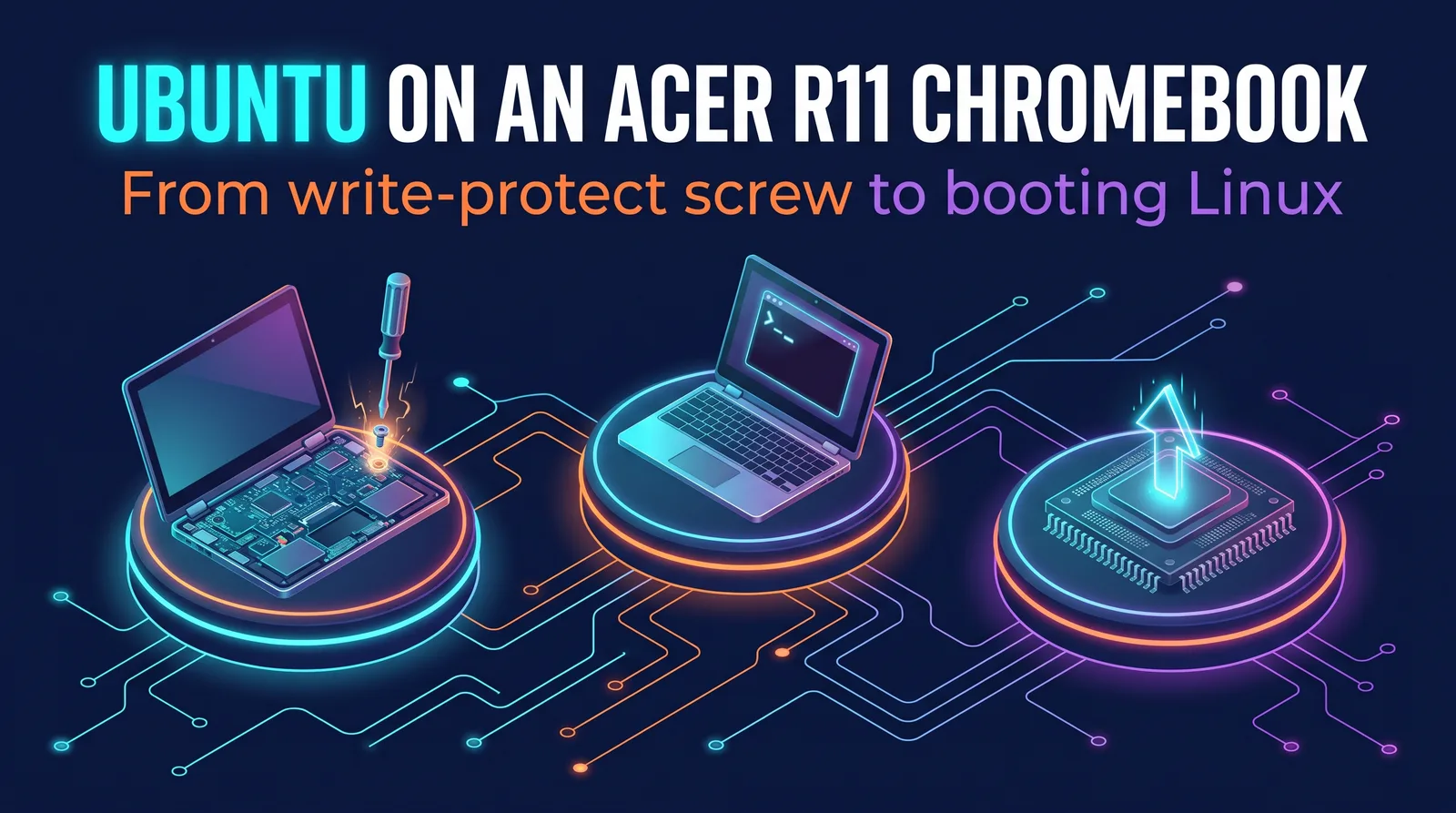
Ubuntu on an Acer R11 Chromebook
Step-by-step guide to installing Ubuntu on an Acer R11 Chromebook, from removing the write-protect screw and enabling developer mode to flashing firmware and booting Linux.
Move & Upgrade
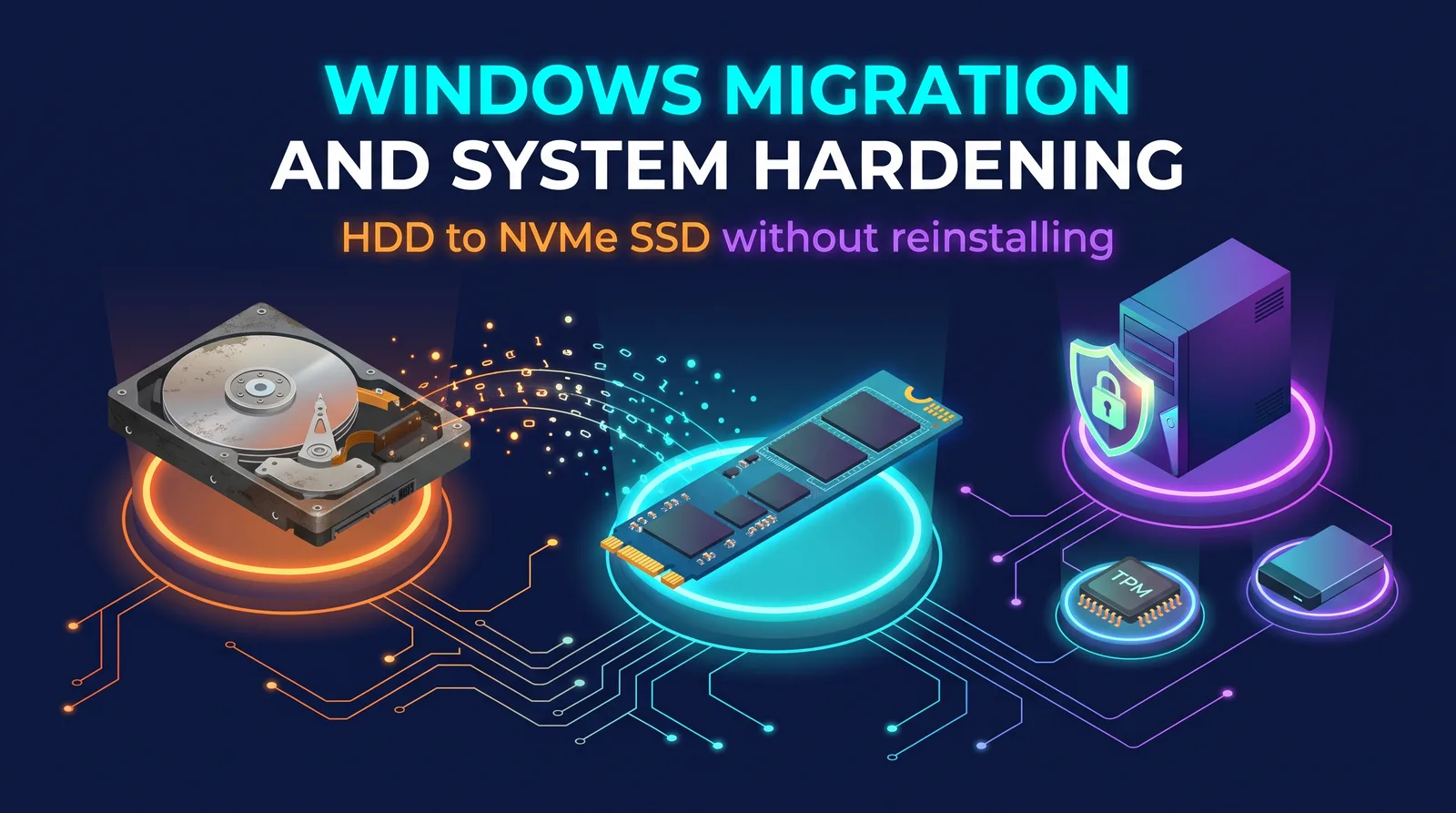
Windows Migration and System Hardening
Migrate Windows from an old hard drive to an NVMe SSD without reinstalling, then optimize, back up, and harden the fresh system. A worked example that adapts to any desktop, covering Secure Boot, TPM, BitLocker, and backups.
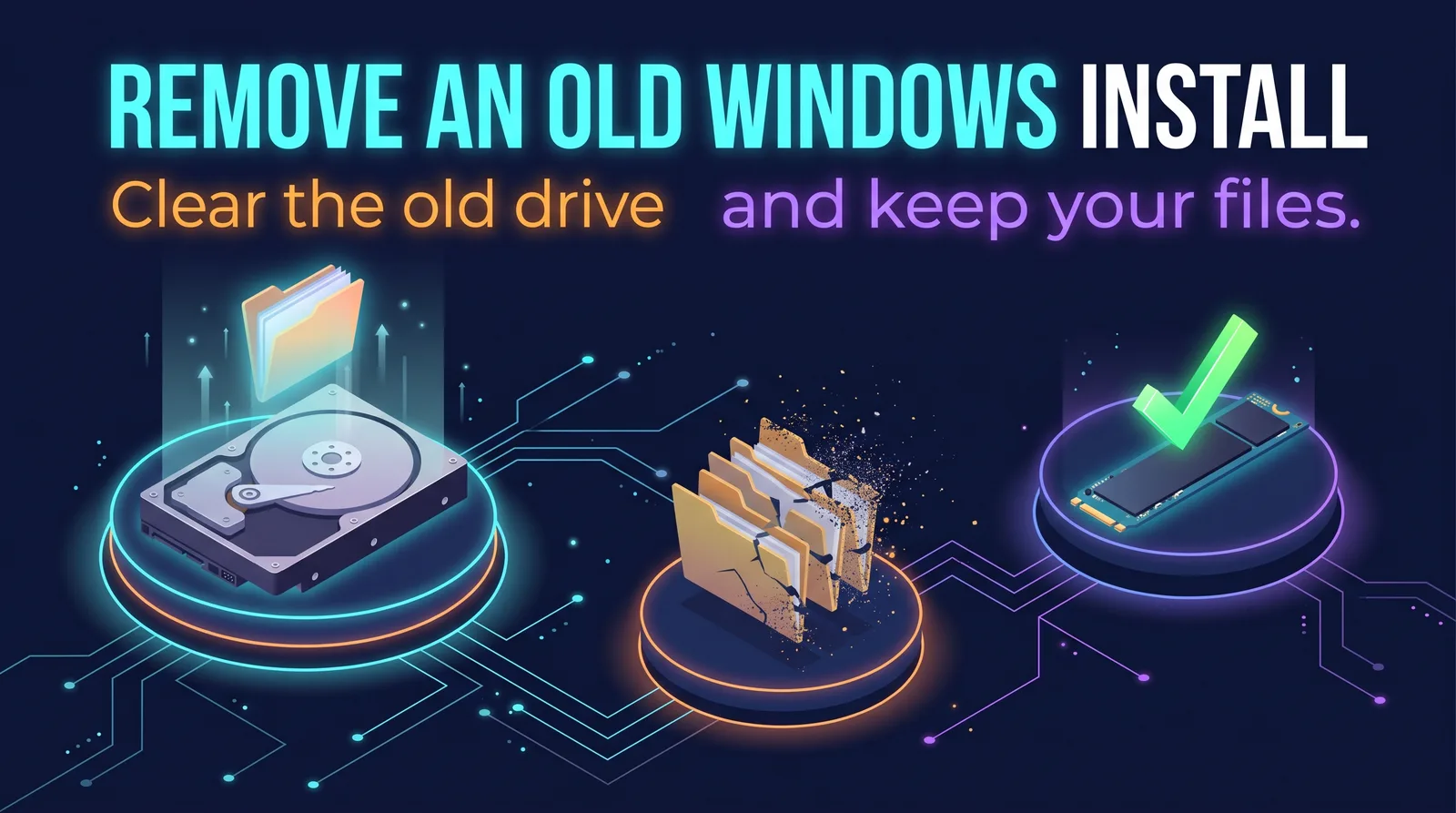
Remove an Old Windows Install
Remove an old Windows install from a secondary drive and keep your files, even when the new drive is too small to take them. Confirms the new drive boots on its own first, then uses commands that avoid hidden links into your new system.
Windows 10 Community Support Guide
Stay on Windows 10 with help from repair groups, forums, and volunteers. Covers checking whether your PC can run Windows 11, setting up Windows 10 safely with Extended Security Updates, and what lite builds like Windows X-Lite cost you.
Troubleshooting & Repair

Windows System Repair Guide
Step-by-step guide to repairing corrupted or missing Windows system files with DISM, SFC, and CHKDSK, run in the right order so each tool can do its job.
Windows User Profile Recovery
Troubleshooting guide for corrupted Windows user profiles. Step-by-step fixes for failed sign-in errors and temporary profile loops caused by power loss, crashes, or interrupted writes, using the registry and system file checks.
Stuck Taskbar Notification Badge Fix
Troubleshooting guide for ghost unread badges on Windows 10 and 11 taskbar icons, with Discord-specific fixes for the most common cause.
My Certifications
A collection of professional certifications I've worked to achieve.
Services
Websites, online stores, and custom tools for small businesses. Three packages with a fixed price and a clear process, built with the same stack that runs this site.
Pricing on request
Best for
Local businesses, trades, studios, and anyone who needs a professional web presence without the overhead.
What is included
- Up to five pages, designed around your content
- Mobile-friendly layout that loads fast
- Contact details, map, and hours where they belong
- Search engine basics: titles, descriptions, and social previews
- Domain connection, HTTPS, and hosting setup
- A short walkthrough so you can update text yourself
Pricing on request
Best for
Shops moving online for the first time, or replacing a store that has become hard to manage.
What is included
- Store platform setup on BigCommerce, Shopify, or a custom build
- Product catalog, categories, and variants entered and organized
- Payments, taxes, and shipping rules configured
- Theme styled to match your branding
- Domain, HTTPS, and email notifications connected
- Launch checklist and a hand-off session
Pricing on request
Best for
Internal tools, booking and intake systems, desktop utilities, browser extensions, and automation.
What is included
- Scoping session to pin down the problem and the must-haves
- Web app, desktop app, or browser extension, whichever fits the job
- User accounts and data storage where needed
- Installer or deployment, plus documentation
- Source code delivered to you
- A support window after launch for fixes
How it works
- 01
Discovery call
A short conversation about what you need, what you already have, and when you need it. No charge.
- 02
Proposal
A written scope with a fixed price and timeline, so there are no surprises later.
- 03
Build
Regular check-ins with working previews you can click through, not just mockups.
- 04
Launch and hand-off
Everything goes live on your domain and accounts, with a walkthrough and documentation.
Good to know
- You own everything. Domains, hosting, and store accounts are set up in your name, and source code is handed over at launch.
- Fixed prices. Each package has a set scope. Work outside it is quoted separately before it starts, never added to the bill after.
- Rights cleared. Projects use content you own or are licensed to use, so what you launch is yours to sell and promote.
Have a project in mind?
Tell me what you are trying to do and I will come back with questions, a rough timeline, and a price.
Get in touch